The Guide to Custom Die-Cut and Kiss-Cut Stickers
Two sticker types, what each one is good for, and how to set up your files
Stickers are one of the least expensive ways to add value to something you already sell. They turn a plain shipping box into part of the experience, they give planner customers a reason to come back, and they work as an add-on product in their own right.
There are two kinds we produce, and the difference between them decides almost everything else: what shapes are possible, how they are packaged, and what your minimum is.
The three sticker formats
Every sticker we print is one of three things. The names describe how deep the cut goes and whose shapes are being cut, and between them they decide your shape count and your minimum.
Die-cut stickers
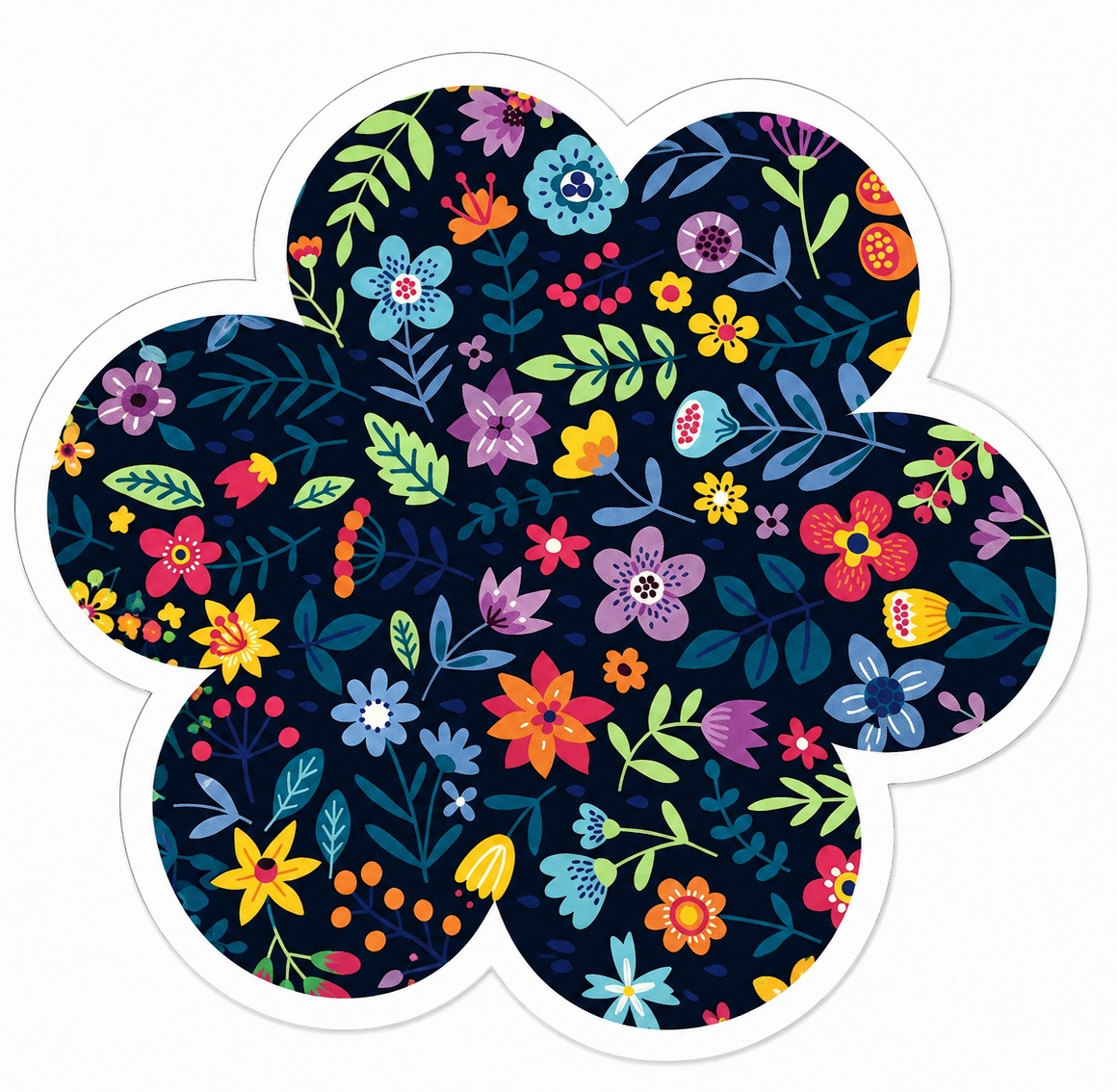
Cut all the way through both the vinyl and the backing, so each sticker separates as an individual piece in the exact shape of your design.
Any shape, any size. Good for single branded stickers, gift bag inserts, and anything applied to gear, equipment, or packaging.
Minimum 50
Kiss-cut sticker sheets
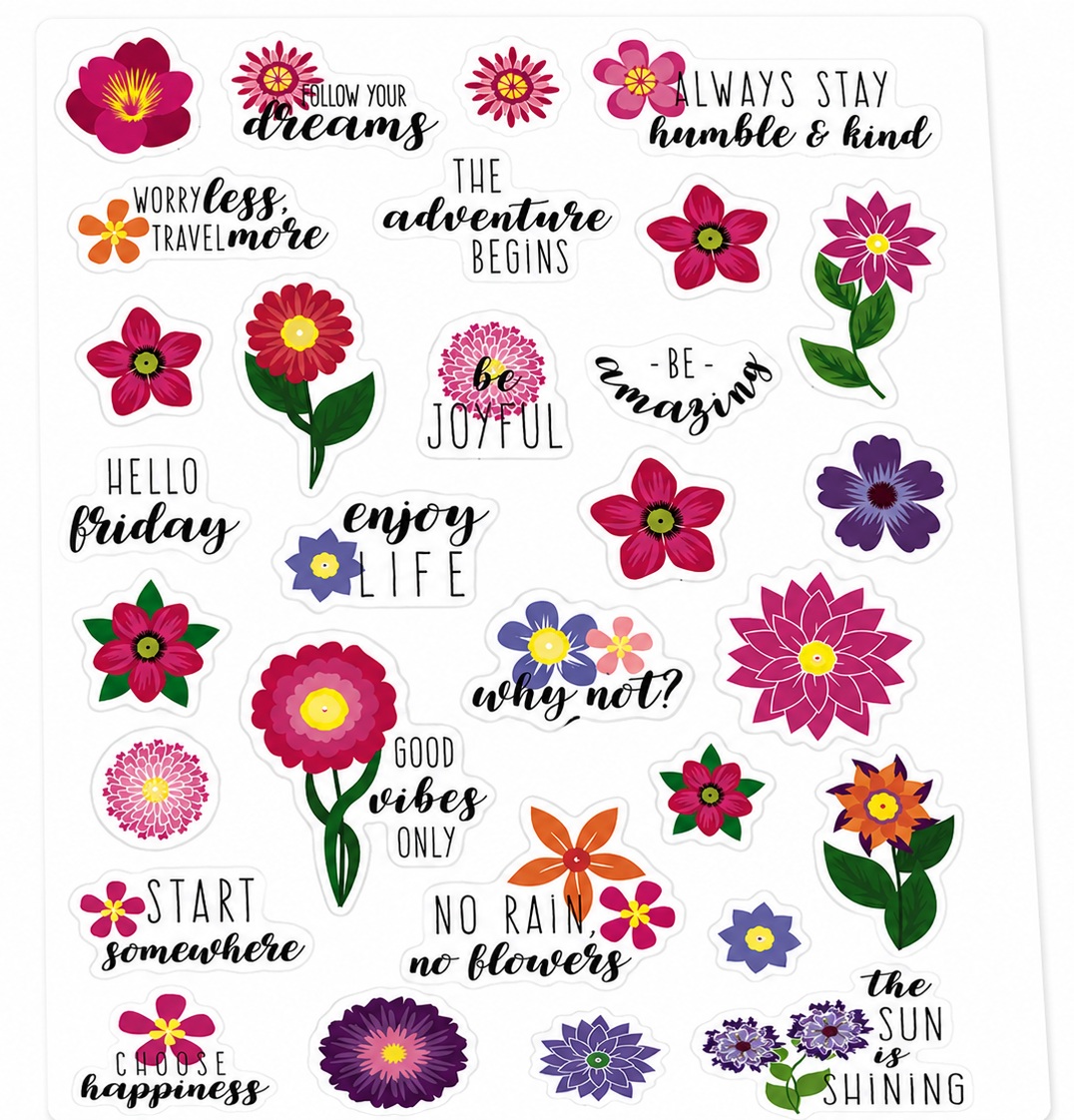
Cut through the vinyl only, leaving the backing whole so several of your stickers sit on one peelable sheet. This is the format that can be bound into a planner or journal, or sold as a sticker sheet product.
Any size up to 8.5 x 11 inches. Up to 30 shapes per sheet cut by laser with no die required, or any number of shapes with a custom die.
Minimum 50 sheets
Pre-cut sticker sheets
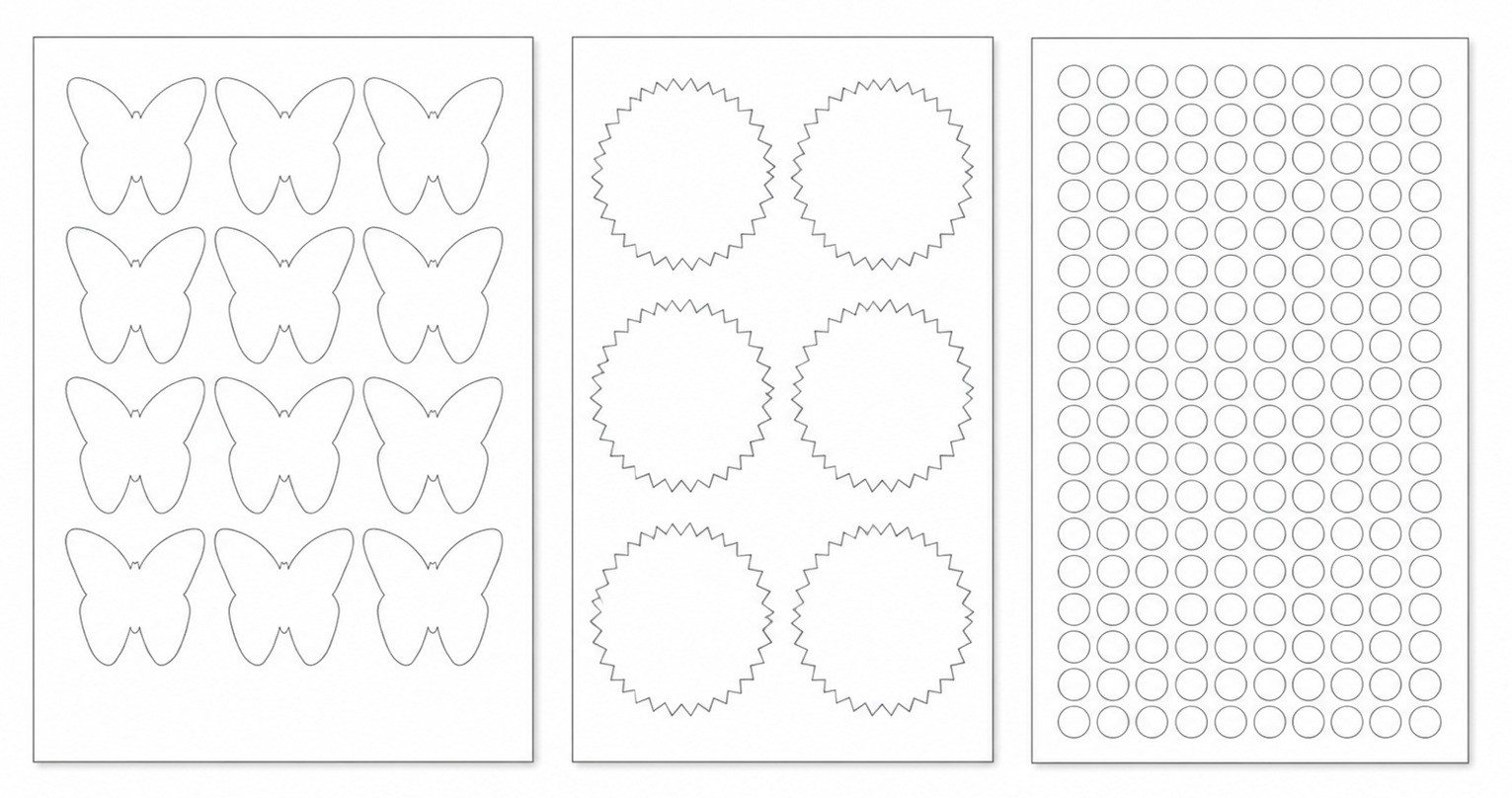
We print your artwork onto sheets already cut into standard shapes we stock, so nothing has to be cut to your design at all.
The right choice for on demand products, small test runs, and add-ons where a custom sheet does not make sense yet. Ask us what is in stock, since the range changes.
No minimum
How to choose. One sticker in a distinctive shape is die-cut. A sheet a customer peels from is kiss-cut. If a standard shape suits your artwork, pre-cut sheets let you start with no minimum at all and move to your own shapes once the design has earned it.
| Format | Shapes | Minimum |
|---|---|---|
| Die-cut stickers | Any shape, any size, cut as individual stickers | 50 |
| Kiss-cut sheets, laser cut | Up to 30 of your own shapes per sheet, no die required | 50 sheets |
| Kiss-cut sheets, die-cut | Any number of your own shapes per sheet | 50 sheets |
| Pre-cut sticker sheets | Standard shapes we already stock | None |
| Shipping box stickers | Branding applied to the outside of a package | None |
Branding your shipping box without printing boxes
A custom printed shipping box looks excellent and costs real money. You commit to a print run, you store the boxes, and you are locked into one size and one design until they are gone.
A printed sticker on a plain white box gets you most of the way there for a fraction of the cost. We print shipping box stickers on demand with no minimum, so there is no run to commit to and nothing sitting in a warehouse. Change the artwork whenever you like. Run a seasonal design. Use a different sticker for a different product line.
The customer experience is what matters, and it barely differs. A branded sticker beside the mailing label tells the recipient who the parcel is from before they open it, which is the entire job a printed box is doing.
This is also the natural place for a QR code, since it is the first thing a customer sees when the package arrives.
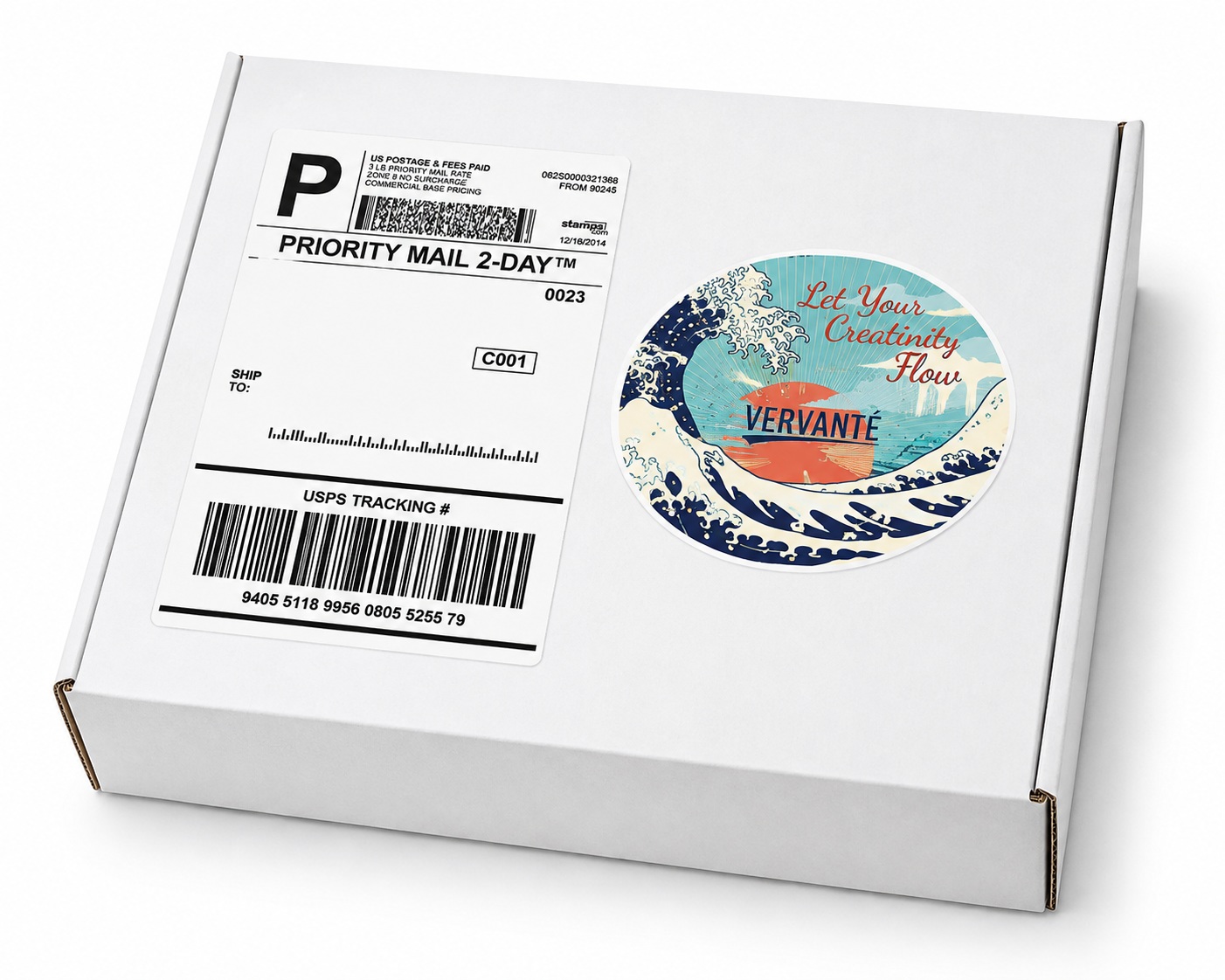
Worth comparing before you commit. Custom printed corrugated mailer boxes start at a minimum of 25. Shipping box stickers have no minimum at all, which makes them the sensible way to test a look, a message, or a seasonal design before spending on printed boxes.
Adding QR codes
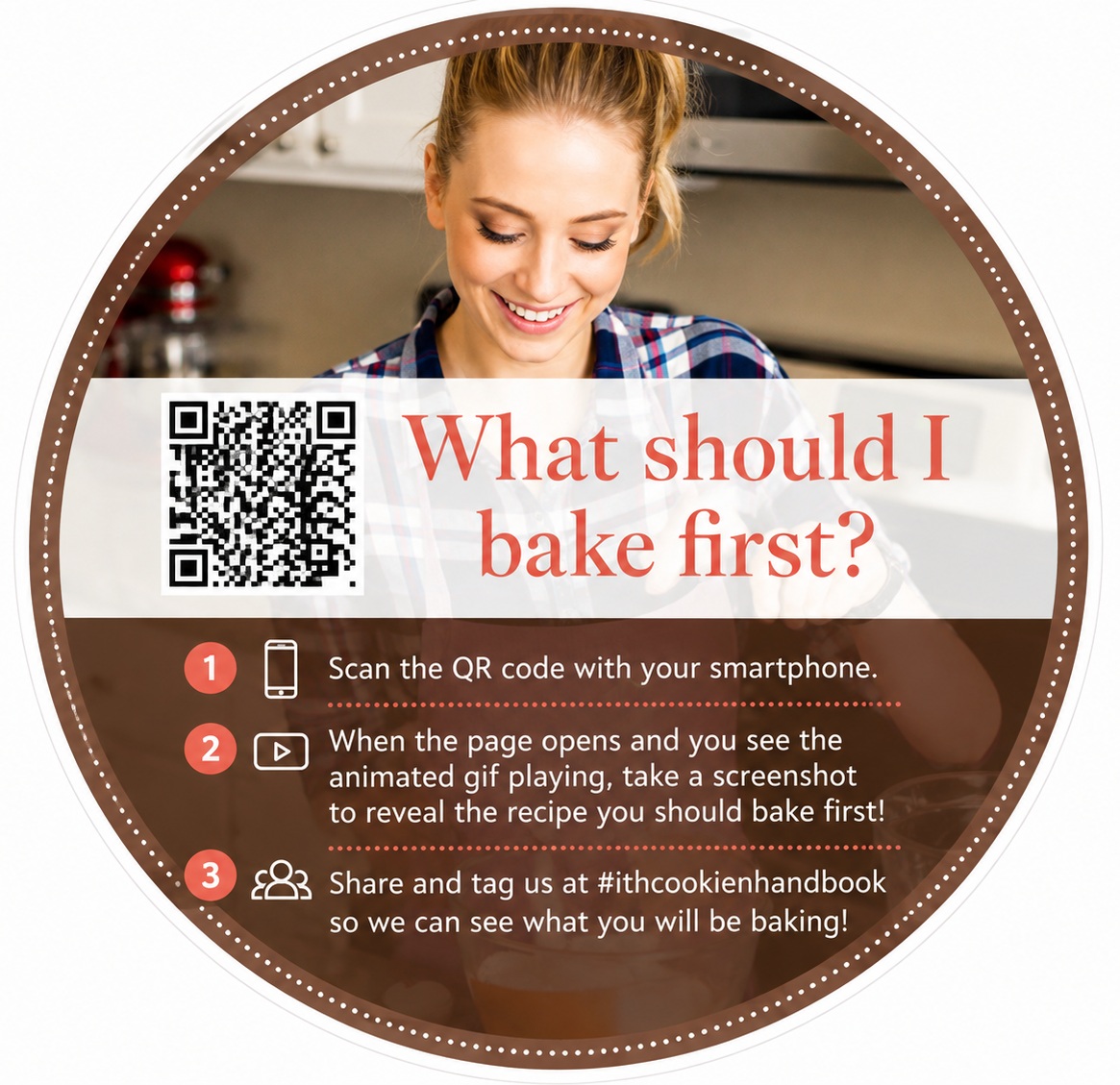
A sticker with a QR code on it is one of the simplest bridges between a printed product and everything you do online. A customer who has your product in hand can reach a bonus video, a private community, a reorder page, or your email signup with a single scan.
QR codes can be generated free from a number of online services, and the code simply becomes part of your sticker artwork. The same approach works on postcards, packing inserts, and planner pages.
One piece of advice from experience: point the code at a page you control rather than a specific campaign URL, so you can change the destination later without reprinting.
Ideas for using stickers
- Upsell items for planners, workbooks, and coloring books
- Sheets bound directly into a planner or journal
- Dates, times, and category labels for undated planners
- Labels for tab dividers and organization systems
- Extras inside welcome kits, goodie bags, and gift sets
- Bonus gifts alongside a product or program
- Activity book components for children
- Brand stickers customers apply to laptops, water bottles, and gear
- QR code stickers linking print to digital content
Setting up your sticker files
Stickers are the one product where the file setup genuinely differs from everything else we print, because the cut line has to be defined as vector artwork rather than drawn as part of the design. A cut line that only looks like a line will not cut.
This is also the reason sticker files cannot be finished in Canva. Our step by step walkthrough, Creating Stickers Using Illustrator, covers exactly how to build the cut path. Sizes, bleed, and file format requirements are on our print specifications page.
If you are working with a designer, send them both links before they start. It is far quicker than correcting files afterward.
Common questions
What is the difference between die-cut and kiss-cut?
Die-cut stickers are cut through the vinyl and the backing, so each sticker separates as an individual piece in the shape of your design. Kiss-cut stickers are cut through the vinyl only, leaving the backing sheet intact so several stickers sit on one peelable sheet.
What is the minimum order for stickers?
Sheets carrying your own shapes start at 50, whether laser cut or die-cut, and custom die-cut stickers start at 50. Pre-cut sticker sheets and shipping box stickers have no minimum at all.
How many shapes can go on one sheet?
Up to 30 different shapes on a standard laser cut sheet. A custom die-cut sheet has no shape limit. Either can be any size up to 8.5 x 11 inches.
What is the difference between a laser cut and a die-cut sticker sheet?
Laser cutting follows your shapes directly, so no cutting die has to be made. A die is needed once a sheet carries more than 30 shapes. Both carry a minimum of 50 sheets.
Can sticker sheets be bound into a planner?
Yes. Kiss-cut sheets are frequently bound directly into planners and journals, or packaged alongside them as an add-on product.
Why can I not set up sticker files in Canva?
Sticker cut lines have to be defined as vector paths, which Canva cannot produce. Our Illustrator walkthrough shows how to build the cut path correctly.
Can I brand a shipping box without printing custom boxes?
Yes, and it is far cheaper. A printed sticker on a plain box has no minimum and no run to commit to, while custom printed corrugated mailer boxes start at 25. The recipient sees your branding either way.
Can you print stickers on demand?
Yes, using pre-cut sticker sheets, which carry no minimum. Stickers with your own shapes start at 50, whether they are laser cut or die-cut. Shipping box stickers also have no minimum.
Ready to Start Your Project?
Whatever stage you are at, here is where to start.