Order Processing
Three ways to get orders from your customer to our fulfillment team.
Vervante accepts orders through several channels, and the right one depends on how you sell. If you have a shopping cart on your own site, we can integrate with most platforms automatically. If you prefer a hands-on approach, you can place orders manually in your portal or send them by email. If you do not want to manage payment processing or a website at all, we can sell your products for you through the Vervante Bookstore.
The three paths below cover every option. Most customers use one primarily, with the manual options available as a fallback. All three work the same way for any item we hold for you, whether we printed it or you sent us finished inventory.
01
Automated From Your Cart
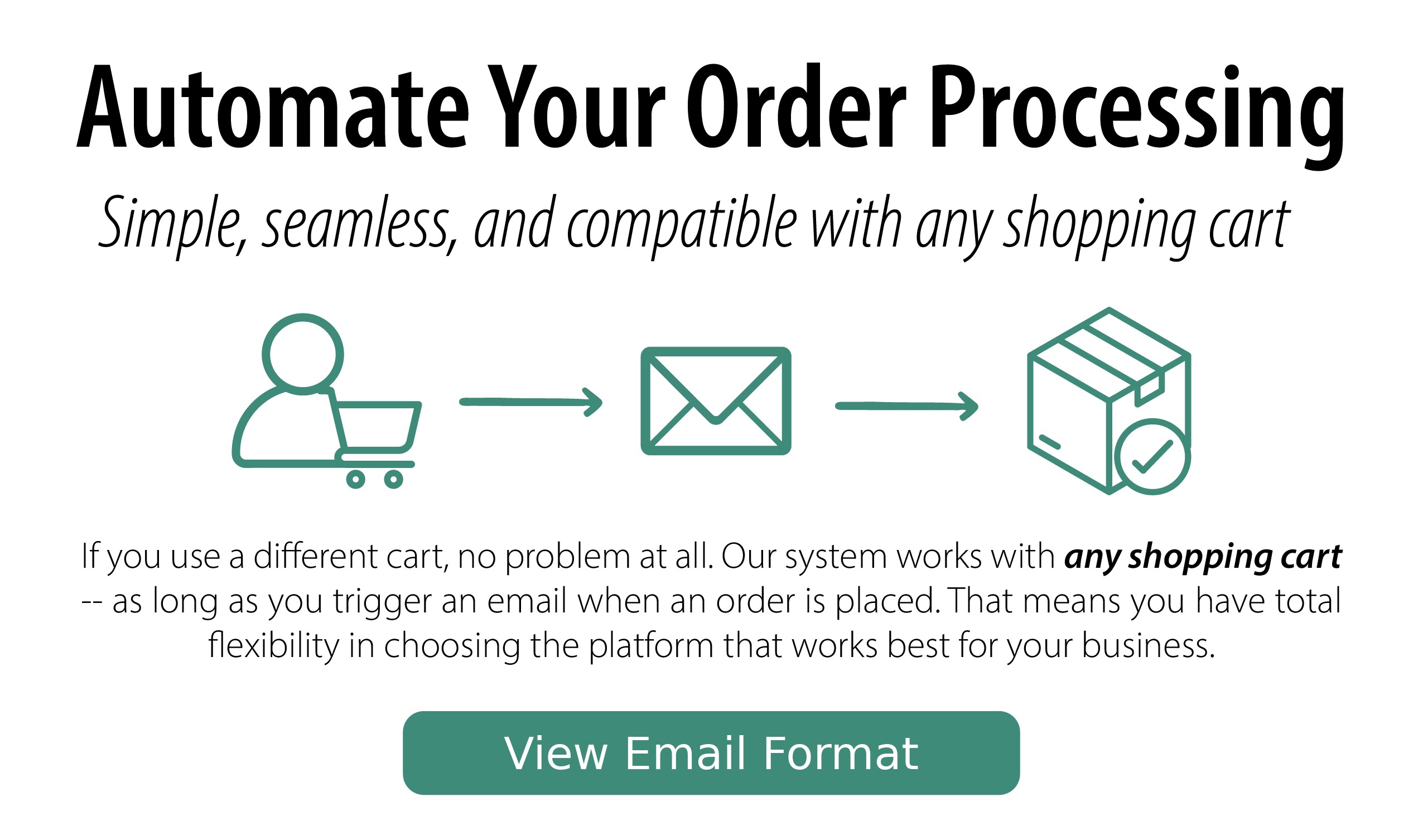
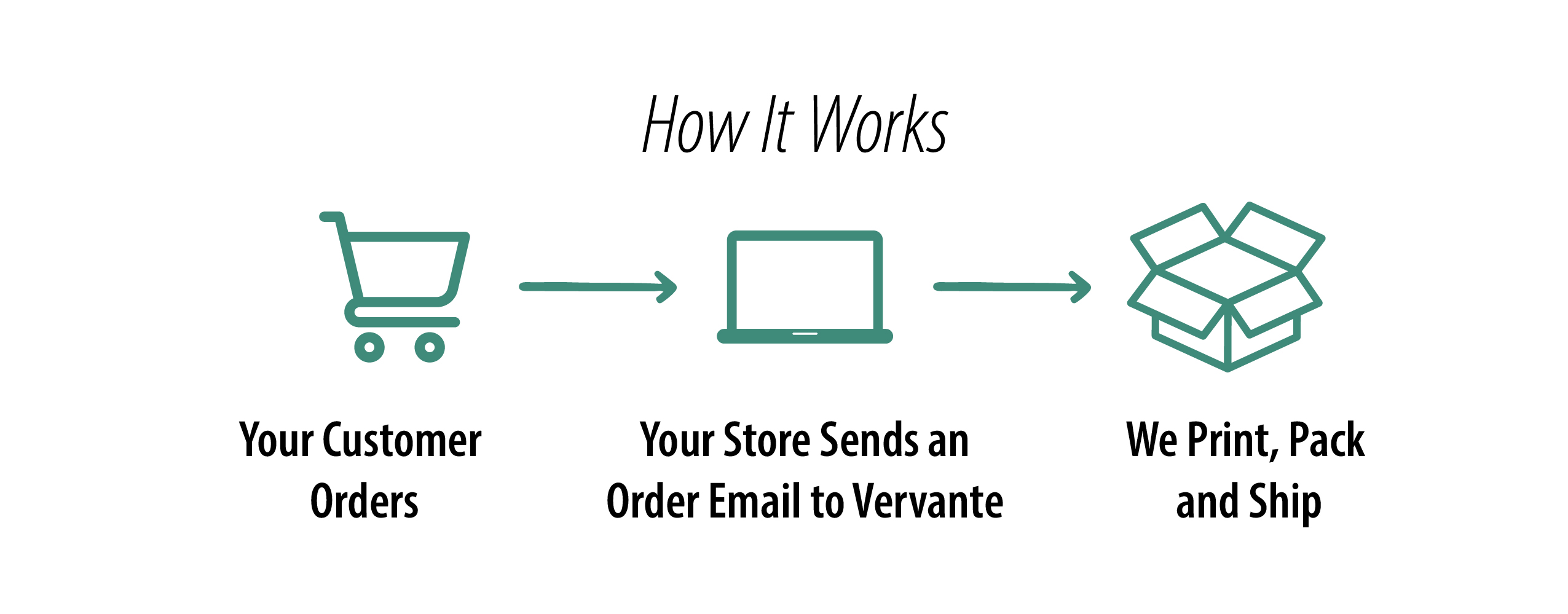
Most shopping cart platforms can be configured to send a properly formatted plain-text email to Vervante when an order is placed. The order routes directly into our fulfillment system without manual handling on your end. This is the right choice for any customer doing meaningful order volume.
Setup Guides for Common Carts
We have step-by-step guides for the most common shopping cart platforms. Click a tile to view the setup instructions for your cart.







Cart not listed above? Any platform can be used as long as the order email follows our specification. See the Email Format for Automatic Order Processing for the full format details, including required fields, subject line phrases, and shipping codes.
Advanced: API Integration
If you have developer resources and prefer a programmatic integration over email, we offer an API for sending orders directly. Contact [email protected] to activate API access.
02
Manual Orders
For occasional orders, low-volume operations, or one-off shipments, you can submit orders to Vervante by hand. There are three ways to do it.
Place an Order in Your Portal
Log in to your Vervante account, click Place an Order, and enter the order details. This is the simplest option when you need to place a single order quickly and want full visibility into what was submitted.
Send an Unformatted Email
Email order details directly to [email protected] and our team will enter the order on your behalf. This works for one-off orders where automation is not warranted, but it is a manual process on our end, so it is best for low-volume situations rather than ongoing fulfillment.
Send a Batch File
If you have multiple orders to submit at once, email a CSV or Excel file to [email protected]. This is useful for periodic batches or when migrating from a system that exports orders as a spreadsheet. Contact us if you need our standard CSV format.
03
Sell Through the Vervante Bookstore
If you do not want to manage payment processing or a website checkout, you can sell your products through the Vervante Bookstore. We list your products, collect payment from your customer, print the order, and ship directly to them. This is the simplest path to selling without needing to set up a shopping cart of your own. Learn more about the Vervante Bookstore →
Troubleshooting and Common Questions
How do I test my setup before going live?
Send a test order to yourself first. Use your own shipping address and order a single low-quantity item. Confirm that the order appears in your Vervante portal and that you receive a tracking confirmation when it ships.
Why was my order email rejected?
The most common reasons are: the email was sent in HTML format instead of plain text, the subject line did not contain a recognized phrase, the body was missing a required trigger string, the part number format was incorrect, or the email was sent to the wrong address. Review the Email Format Specification for the exact requirements.
Where do I find my Vervante part numbers?
Vervante part numbers are assigned automatically when a new product is added to your account. You can view them in your account under My Vervante Part Numbers.
Can I route orders to you for products Vervante did not print?
Yes. Once your inventory is received into our warehouse it is assigned a Vervante part number like any other item, and every option on this page works exactly the same way. See our Warehousing & Fulfillment page for how to send us products you had produced elsewhere.
How do I confirm an order was received?
Our system processes incoming order emails on a script that runs every 10 minutes. If your order is formatted correctly, it will appear in your Vervante portal within 10 minutes of when the email was sent. If you do not see the order after that window, the email was likely rejected. Review the format specification or contact our team.
Can I change a shipping method on an order after I submit it?
If the order has not yet shipped, email our team with the order details and the requested change. Once an order has shipped, the shipping method cannot be modified.
Need help? If you are not sure which path is right for you, or you want help getting your cart configured, email [email protected] and our team will help you find the right setup.
See the Terms of Agreement regarding order processing.