Expert Guides
Free, practical resources for planning, building, and selling your product
Every guide below was written by our production team from the questions authors, coaches, and creators actually ask us. They cover the practical work of getting a product made and sold: how to set up print files that will not come back for corrections, what is possible with planners, card decks, certificates, and packaging, and how orders move once a customer buys.
All of them are free. Most open as a PDF you can save, print, or keep beside you while you build your files. No account is required to read them.
New to this and not sure where to start? The book publishing checklist maps the whole process from finished manuscript to finished book, and the print ready PDF checklist is the single most useful document for anyone about to send us files.
Getting Started
If you are still deciding what to make or who to make it with, start here.
100 Publishing Tips
One hundred practical tips covering production, pricing, marketing, packaging, and the habits that keep a publishing business going after the first launch.
Read online
7 Things to Look for in a Publisher
What to ask before you commit to a print and fulfillment partner, including the questions about fees, exclusivity, and customer data that are easy to miss until it is too late.
PDF
Book Publishing Checklist
Every step from finished manuscript to finished book in one list, so nothing gets missed between writing and printing.
PDF checklist
Copyright Permissions and Fair Use
When you need permission for quotes, lyrics, images, and scripture, and when fair use applies. Also covers stock image licensing, who owns art you commissioned, and AI generated content.
Read online
Print on Demand vs Minimum Order Quantity
When it makes sense to print one copy at a time and when a bulk run is the better decision, plus which products are available each way.
PDFPreparing Your Print Files
You supply print ready files, so these are the guides that save the most time. Working through the right one before you submit is the difference between printing this week and printing next month.
Print Ready PDF Checklist
Requirements for every binding we offer, listed side by side: bleed, crop marks, margins, and how cover and interior files should be supplied. Print this one and keep it.
PDF checklist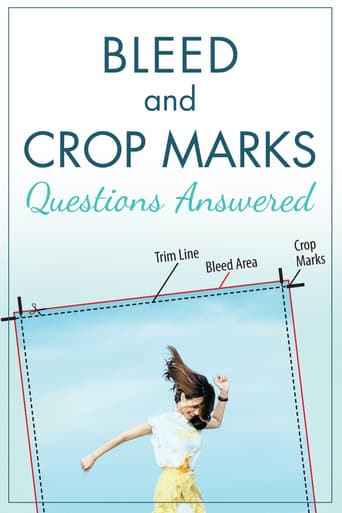
Bleed and Crop Marks
What bleed and crop marks are, why we ask for them, and how to add them in the design program you already use.
PDF
Creating Products Using Canva
Step by step setup and export settings for every product type, with screenshots. Covers hardcover, softcover, tabs, card decks, tuck boxes, stickers, and foil files.
PDF walkthrough
Creating Products Using InDesign
The same product by product setup and export walkthrough for anyone working in Adobe InDesign.
PDF walkthrough
Creating Stickers Using Illustrator
How to build sticker files with proper vector cut lines, which is the one part of sticker setup that cannot be done in Canva.
PDF walkthrough
Die-Cut Tabs
Exact measurements for tab pages, how to calculate tab spacing for any number of tabs, and where tabs can and cannot be inserted in your PDF.
PDF specs
Understanding Color Variations
Why your screen does not match your proof, why two print runs vary slightly, and what the printing industry considers a normal, acceptable range.
PDFProduct Ideas and Specifications
What is possible, what it costs you in setup time, and the specifications to design against.
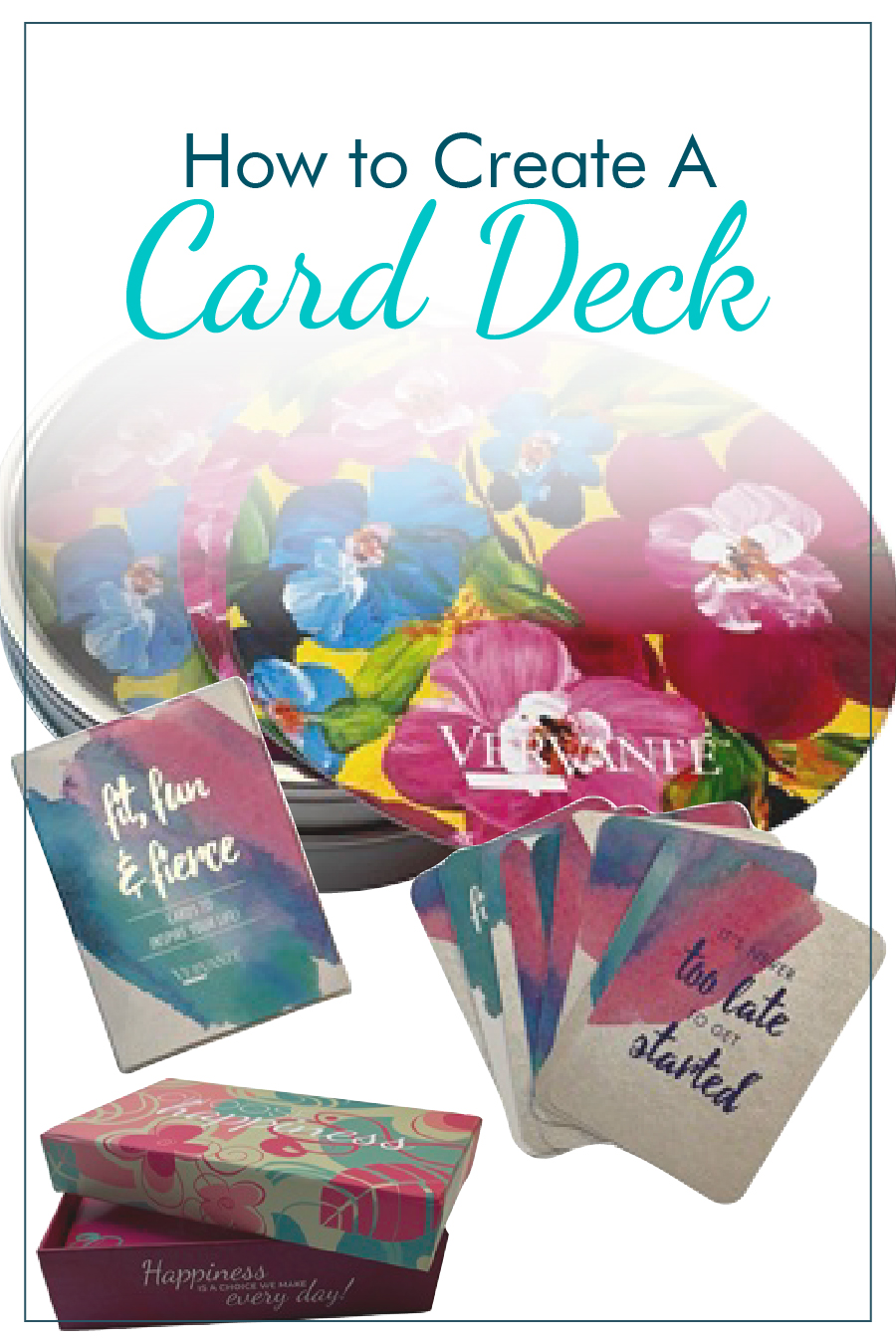
Creating Custom Card Decks
Six steps from concept to finished deck: card stock weights, sizes and corner treatments, packaging from organza bags to rigid boxes, companion booklets, and print runs.
Read online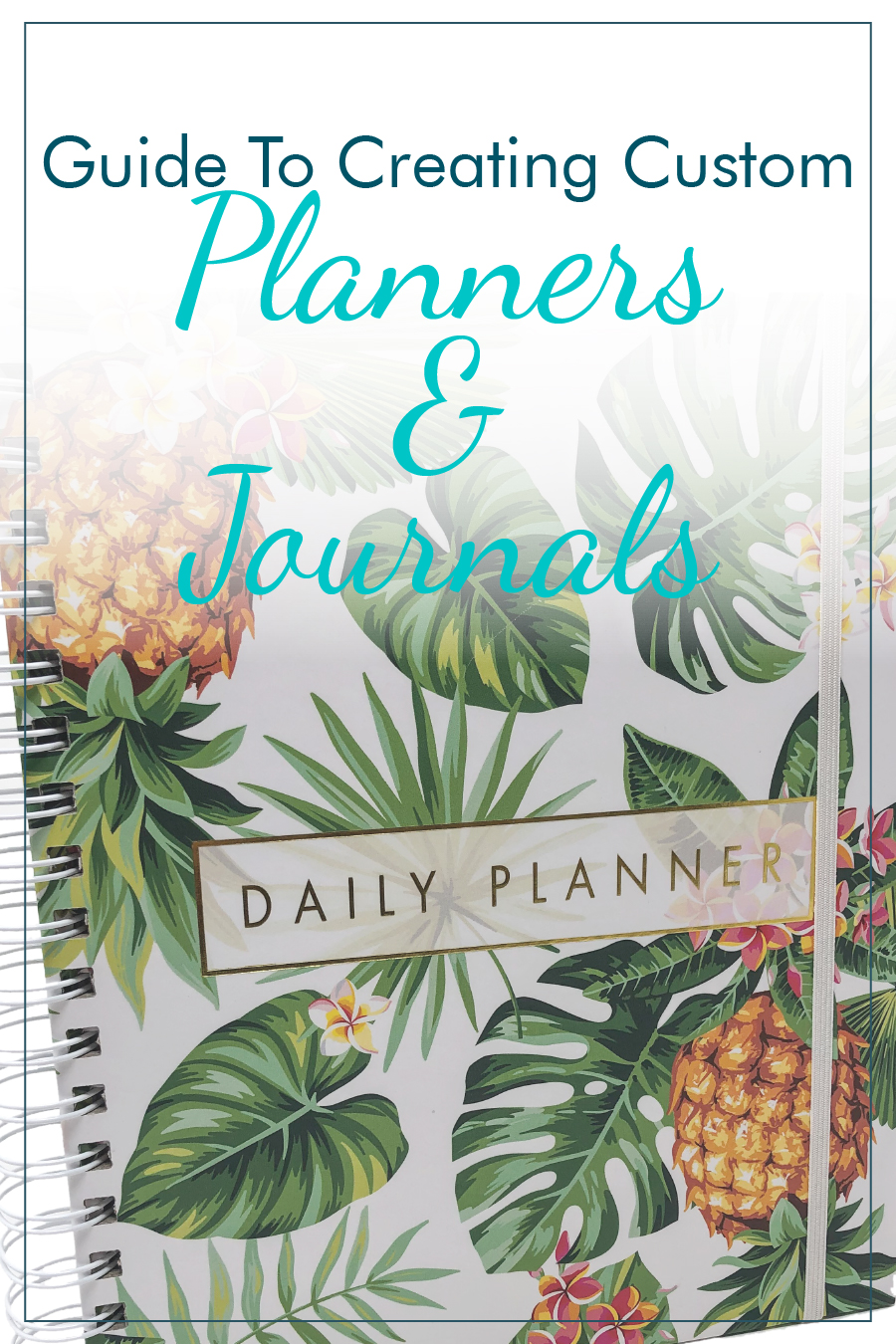
Creating Custom Planners and Journals
Six steps from concept to finished product: cover choices including board and laminated, binding options, paper weight, and premium touches like foil, tabs, and ribbon markers.
Read online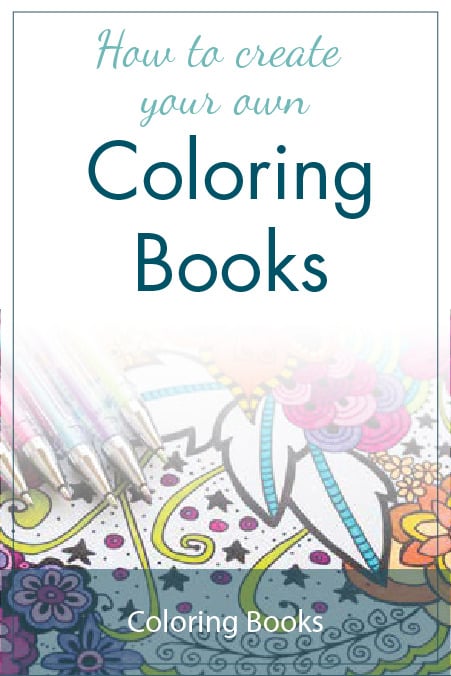
Coloring Books
Choosing a theme, sourcing art you are licensed to use, paper weight for single sided or double sided pages, and binding choices that let pages lie flat.
PDF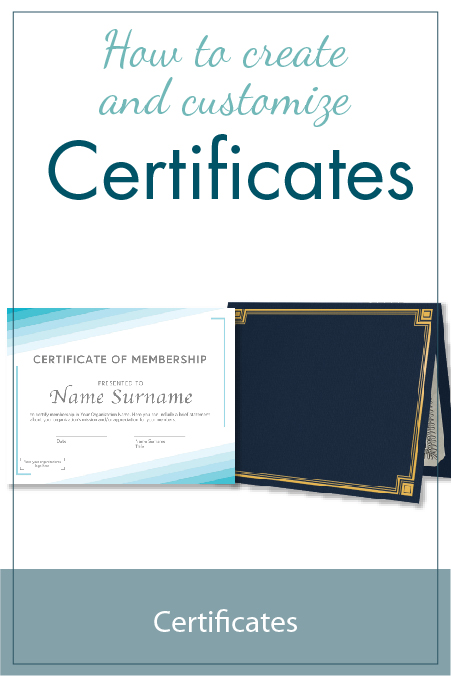
Create and Customize Certificates
Paper and seal options for certificates, and how to build a PDF with editable fields so names and dates can be personalized on every copy.
PDF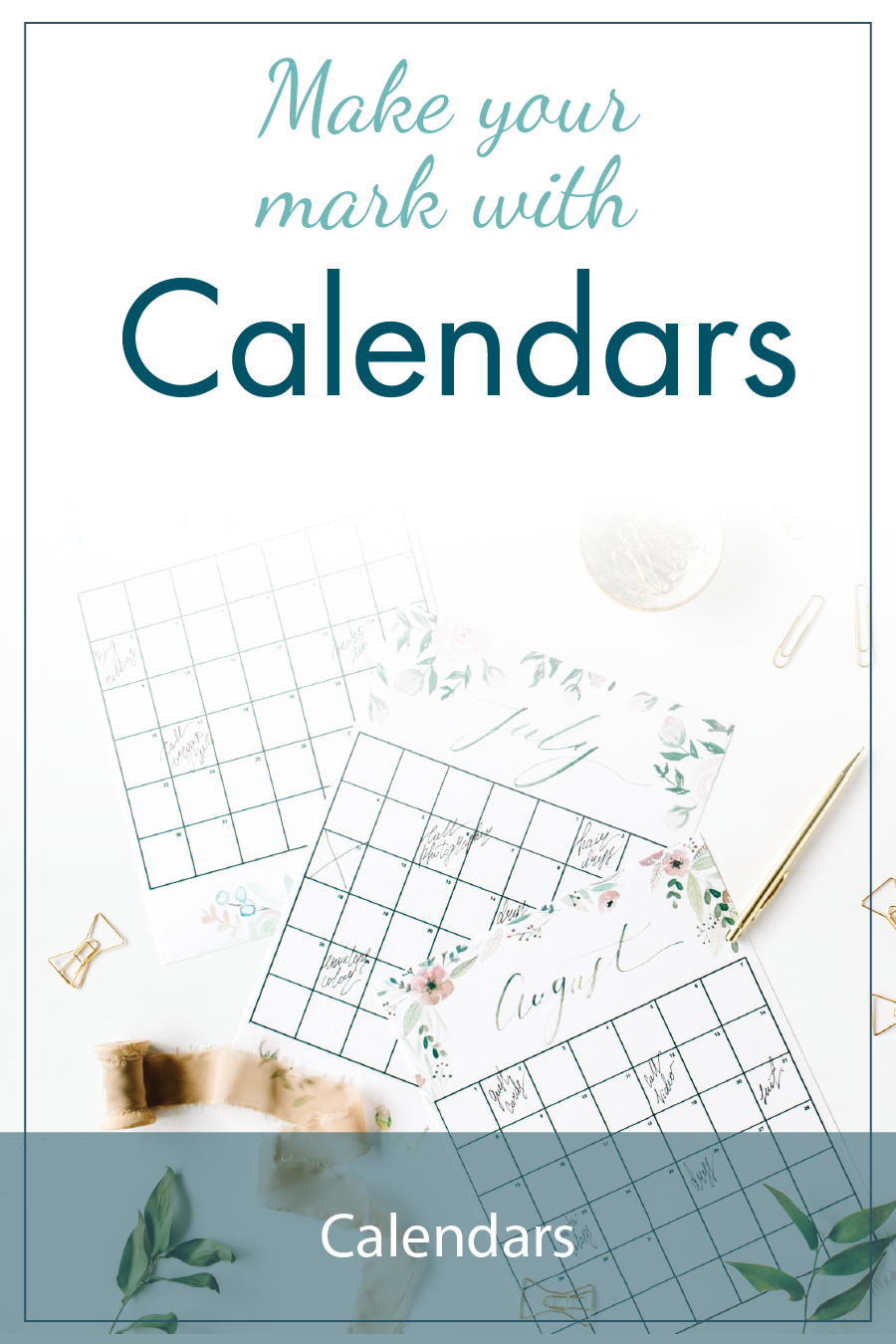
Make Your Mark with Calendars
Four calendar formats compared: wall, desktop, pocket, and tear off, including how undated calendars let you sell all year instead of only in January.
PDF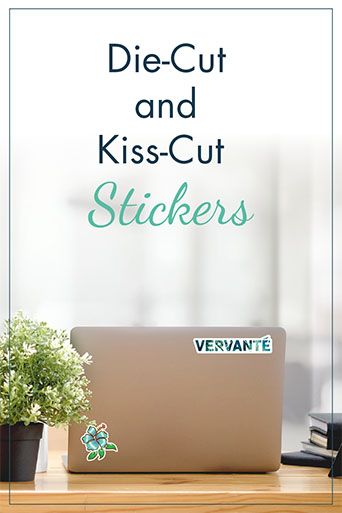
Die-Cut and Kiss-Cut Stickers
The three sticker formats compared, with shape counts, minimums, and how a printed sticker brands a shipping box without the cost of custom printed boxes.
Read online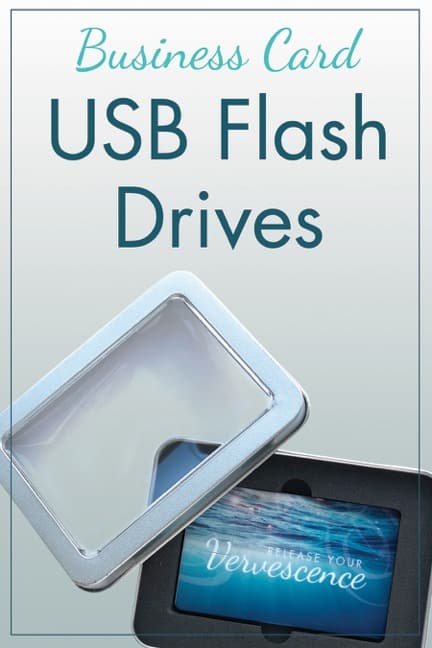
Business Card USB Flash Drives
A flat, full color, card sized flash drive that fits in a mailer or wallet, useful for delivering course content and audio alongside a printed product.
PDF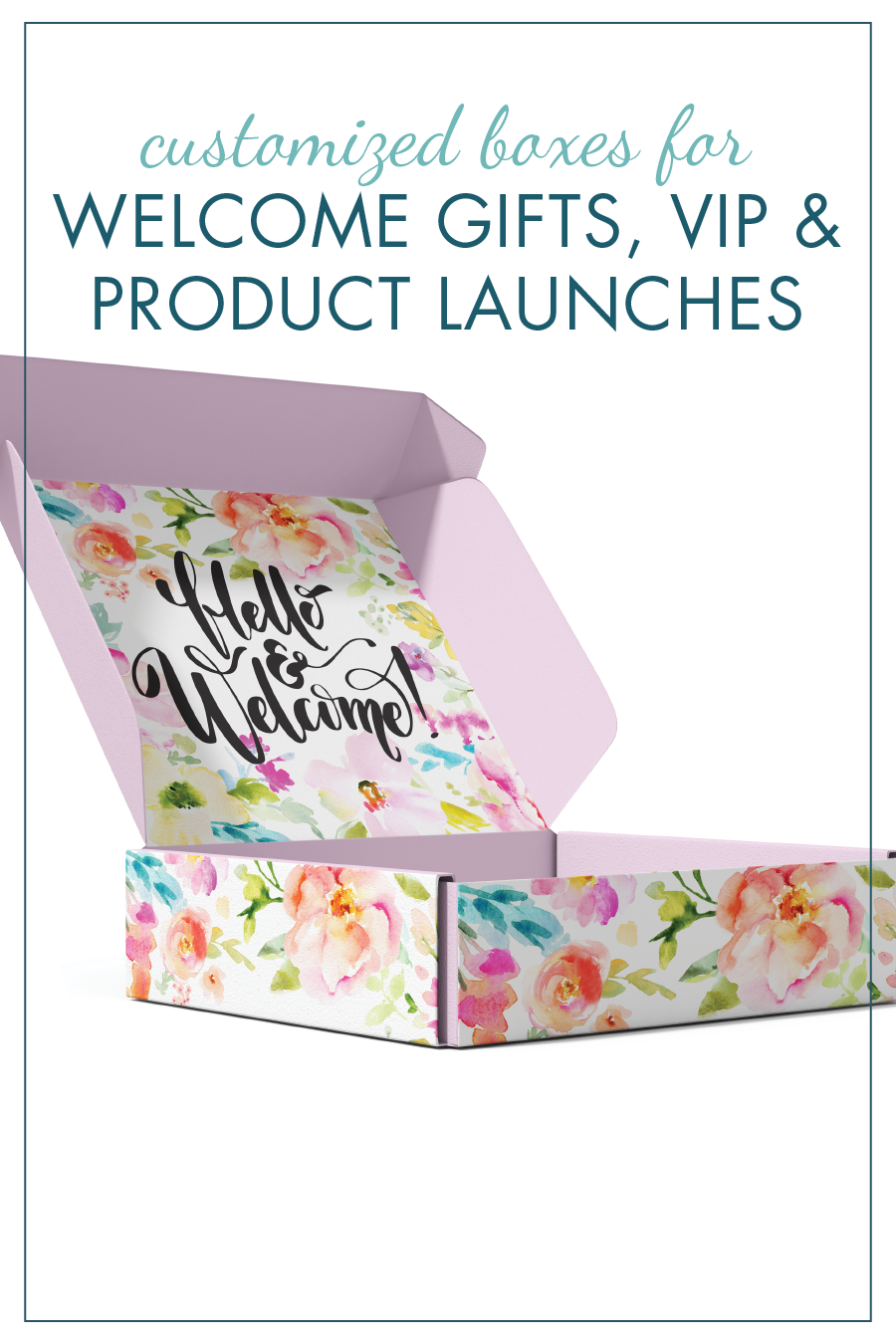
Customized Boxes and Welcome Kits
A four step process for building a boxed product, from choosing a core item through complementary extras, presentation, and printed or standard packaging.
PDF
Successful Printed Newsletters
Why a printed newsletter reaches people that email does not, what to put in one, and how a clear mailing envelope changes the moment it arrives.
PDF
Publishing from A to Z
An alphabetical reference to the publishing and production terms you will run into, written for people who did not come from the printing industry.
PDF referenceInfographics
One page visual summaries. Quick to scan, easy to print, and useful when you want the shape of something without reading a full guide.
Inventory Management and Fulfillment
How products arrive at our warehouse, how orders reach us from your shopping cart, and the inventory reporting you get. Covers items we print and items produced elsewhere.
PDF infographic
Planner Checklist
A one page visual checklist of every decision a planner project needs, useful for sanity checking a design before you send files.
PDF infographic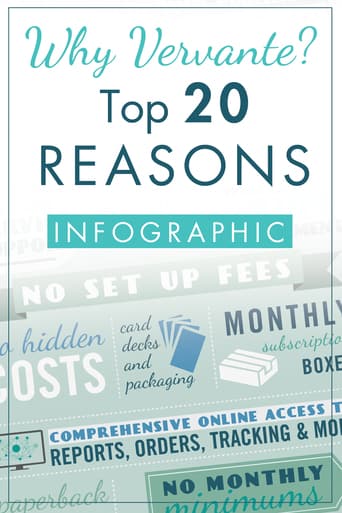
Top 20 Reasons to Work with Vervante
A single page summary of what we produce and what is included, useful if you are comparing us against another printer.
PDF infographicReady to Start Your Project?
Whatever stage you are at, here is where to start.